Scheduling and consistency
See where you’re consistent. And where you’re not.
Keep your planned sessions, completed workouts, rest days, and breaks in view. Open the detail when you want a closer look.
01 / 06
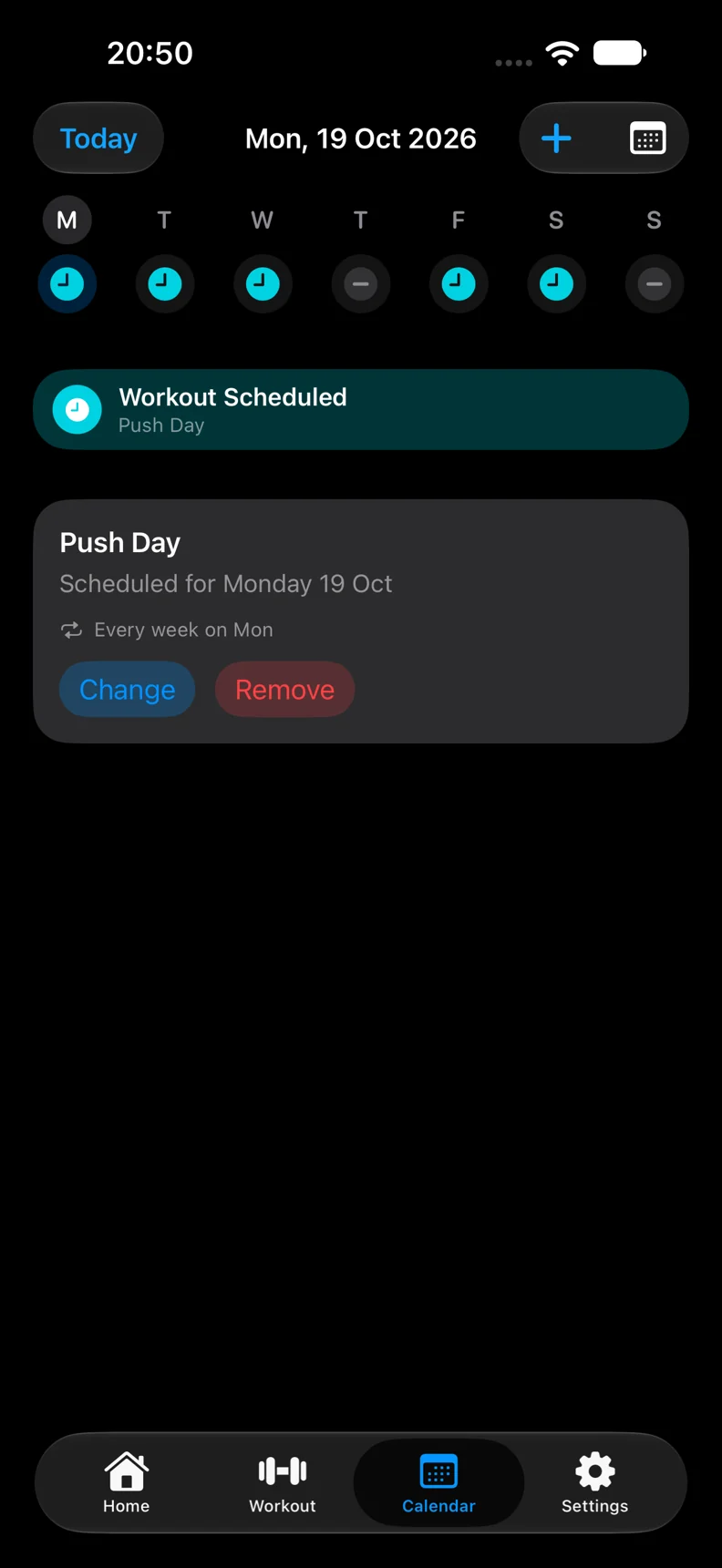
Give your next session a place in your week.
Schedule a workout and see it on your calendar. The scheduled session shows your plan, with options to change or remove it.
When plans change, your schedule can change with them.
02 / 06
See the sessions you missed, too.
The calendar distinguishes completed sessions, missed planned workouts, and rest days.
Look for patterns across your routine: which sessions are you completing, and which ones keep being missed?
03 / 06
Rest days have their place.
A rest day has its own status in your calendar.
Look at it alongside completed and missed sessions when reviewing your routine.
04 / 06
Keep breaks in the picture.
Break days are visible in your calendar too.
Your history gives you context for the days away from your usual training routine.
05 / 06
Look back at a whole month.
The calendar can show a monthly summary alongside your day-by-day history.
Open the monthly report guide for a closer look at the period and its recorded totals.
Explore monthly reports →06 / 06
Put the week into context.
The weekly summary and completed workout card lead to different parts of your training record.
Select either card in the preview, or use the links below: the weekly report looks across sessions; the completed-session guide looks inside one workout.
Open the weekly report →Review a completed session →