A closer look at
your training.
Plan your sessions. Record the work. Understand your patterns.
Workout tracking
Keep your attention on the next set.
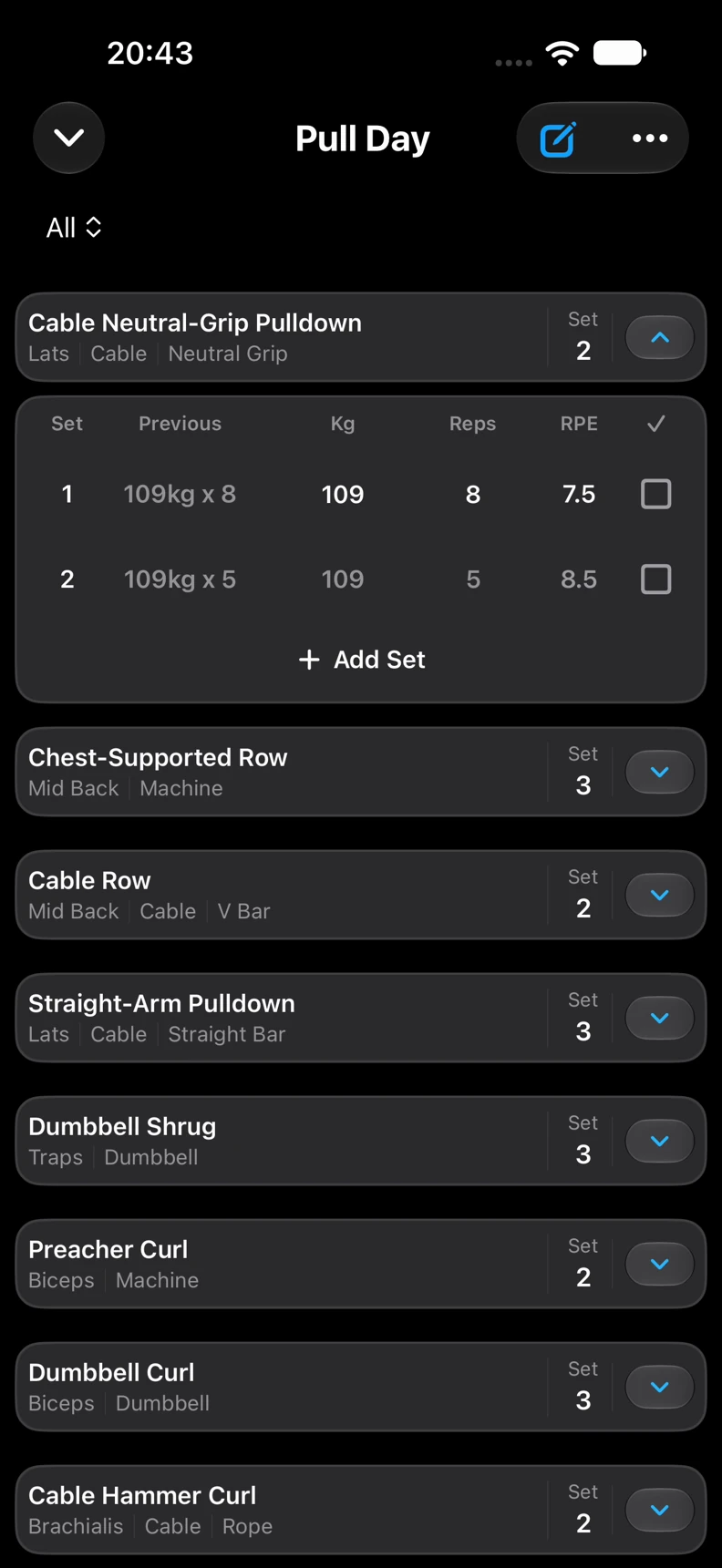
Record sets, reps, weight, and RPE, with previous performance close at hand. See what you did last time while you log the work you are doing now.
Explore workout tracking →
Completed sessions
Look back at the session you finished.
Review the workout highlights, recorded sets, and exercise comparisons. Then turn the session into something to share.
Explore completed sessions →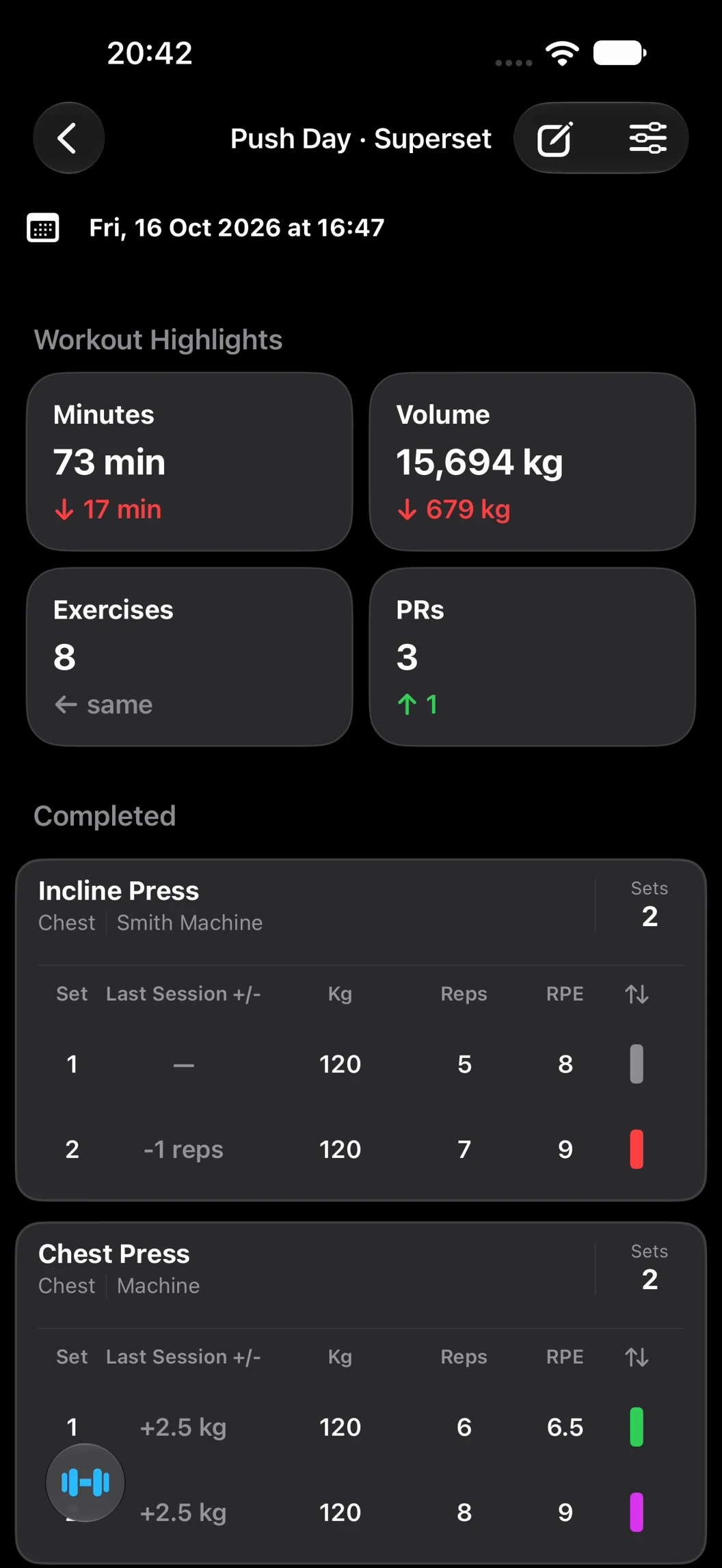
Workout creation
Give your routine a structure.
Create workouts around the exercises you want to do. Organise them into folders and review the muscles involved before your session.
Explore workout creation →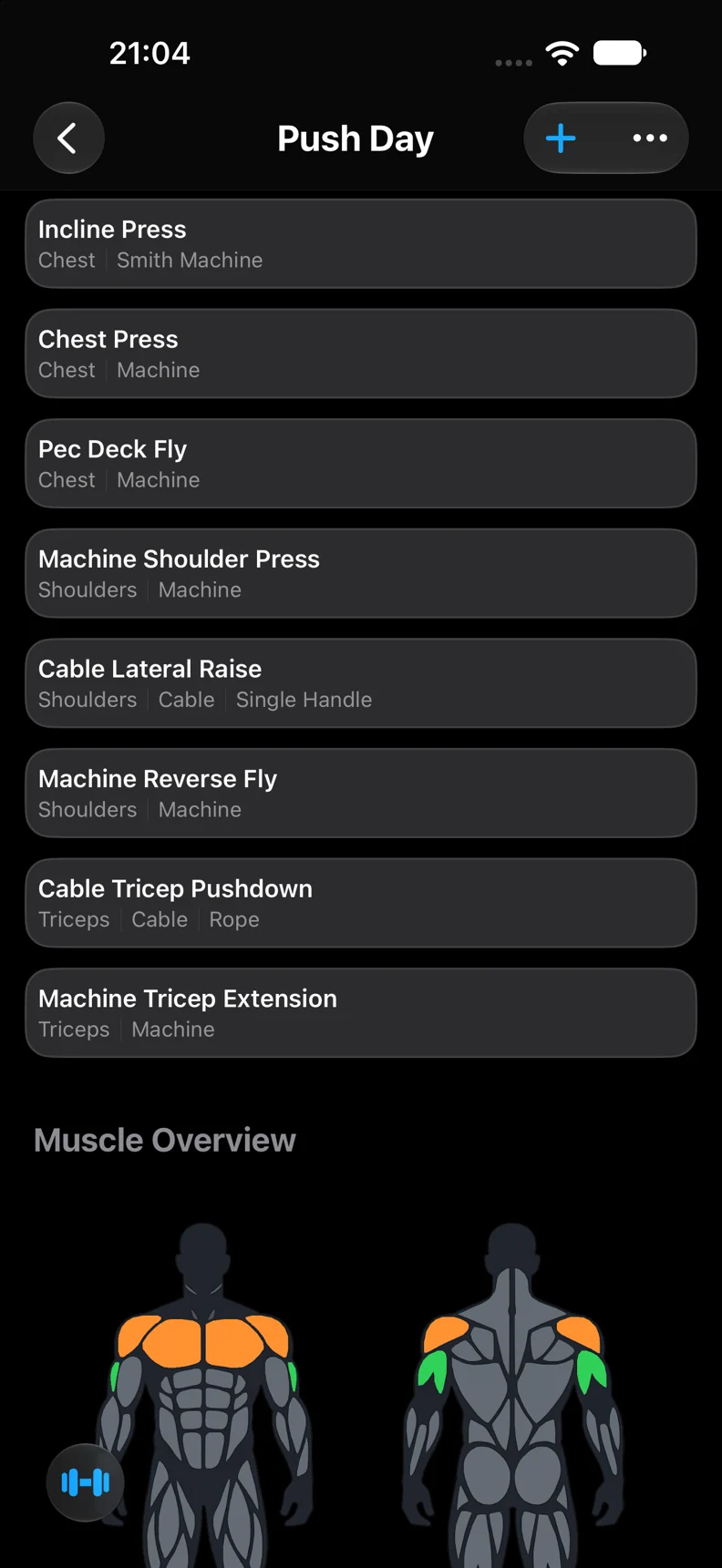
Workout scheduling
Make room for your next session.
Put your workouts on the calendar and keep your plan beside the sessions you actually complete. Change the schedule when your plans change.
Explore scheduling and consistency →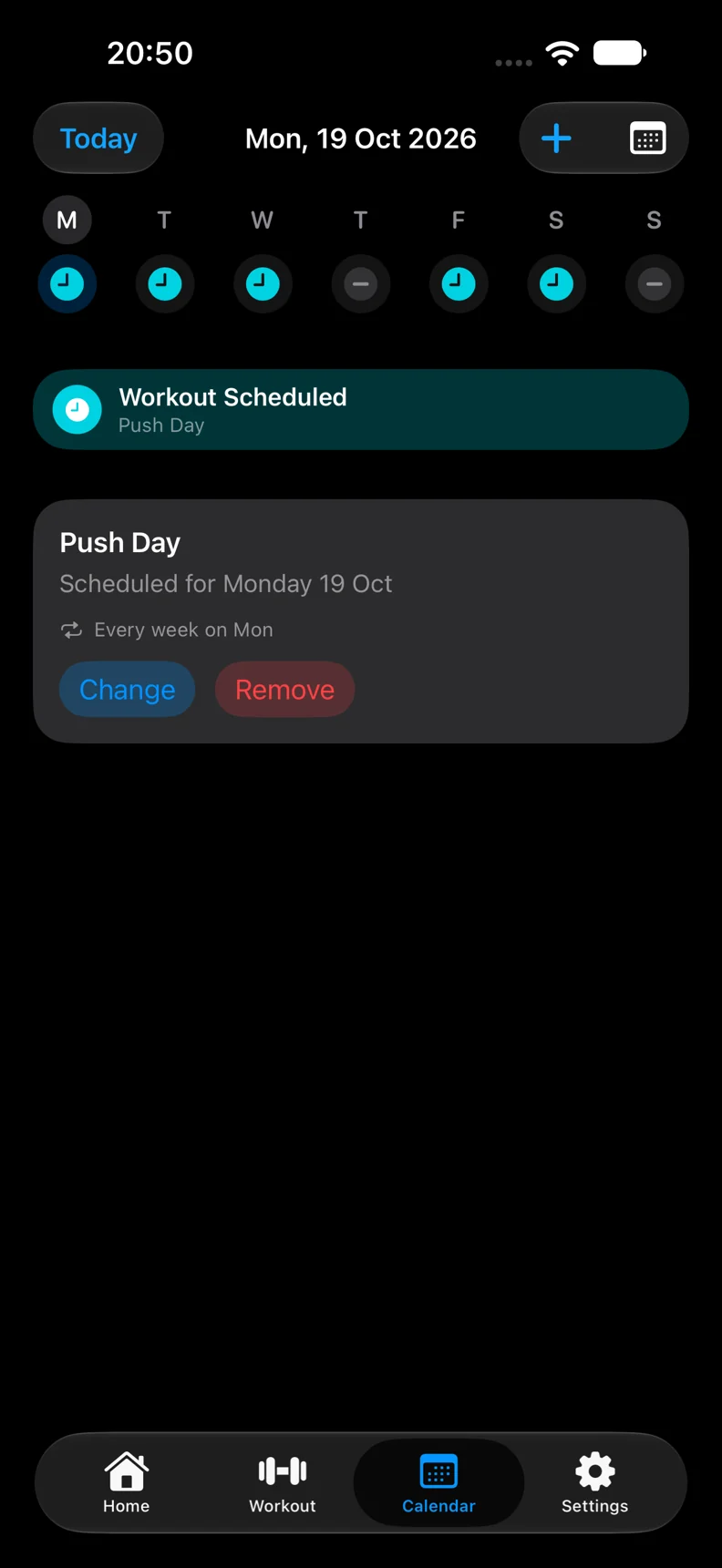
Training consistency
See the whole routine.
Completed sessions, missed workouts, and rest days each have their place. Look back at your week and notice patterns that are easy to forget.
Explore your training history →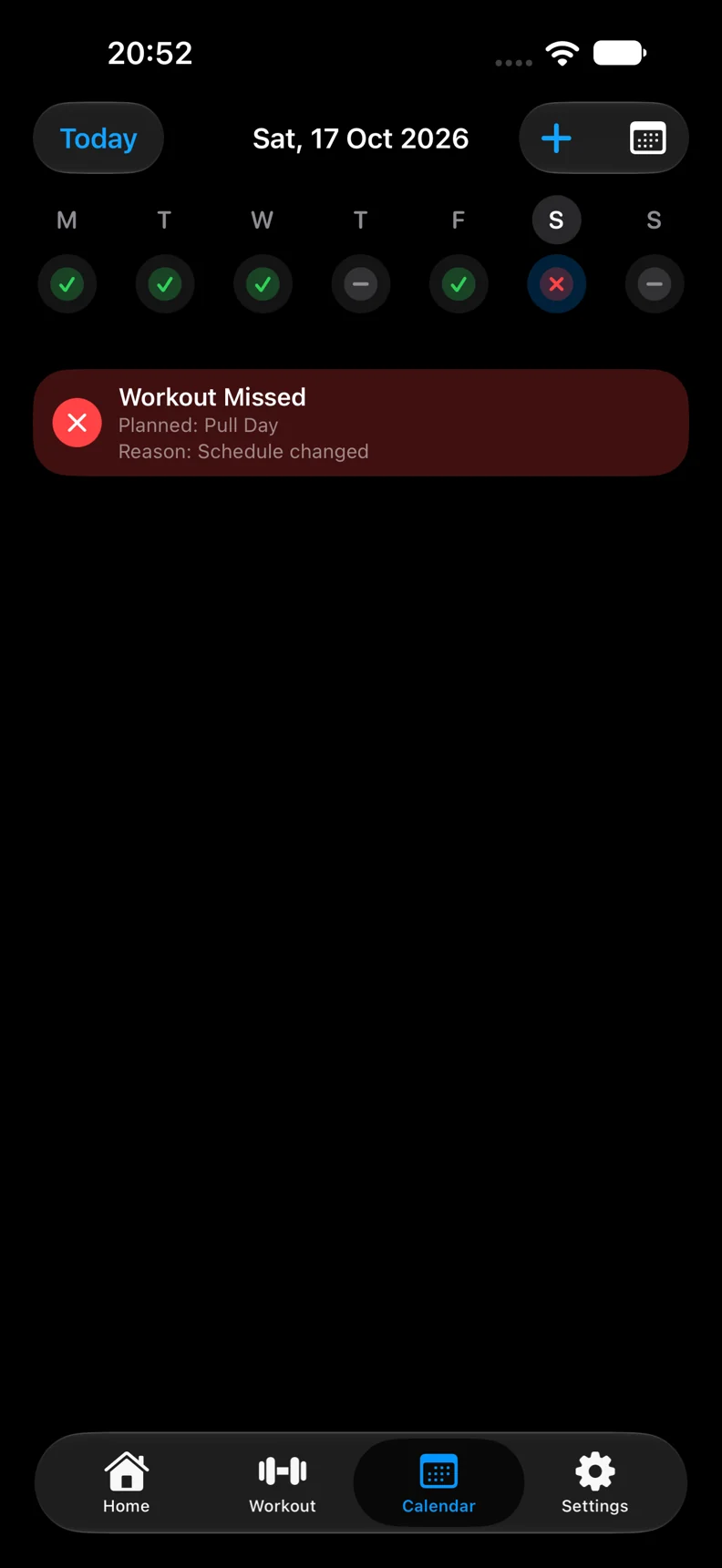
Exercise analytics
Give your numbers some context.
Follow your recorded performance and personal records over time. Filter by workout to look at the sessions you want to compare.
Explore exercise analytics →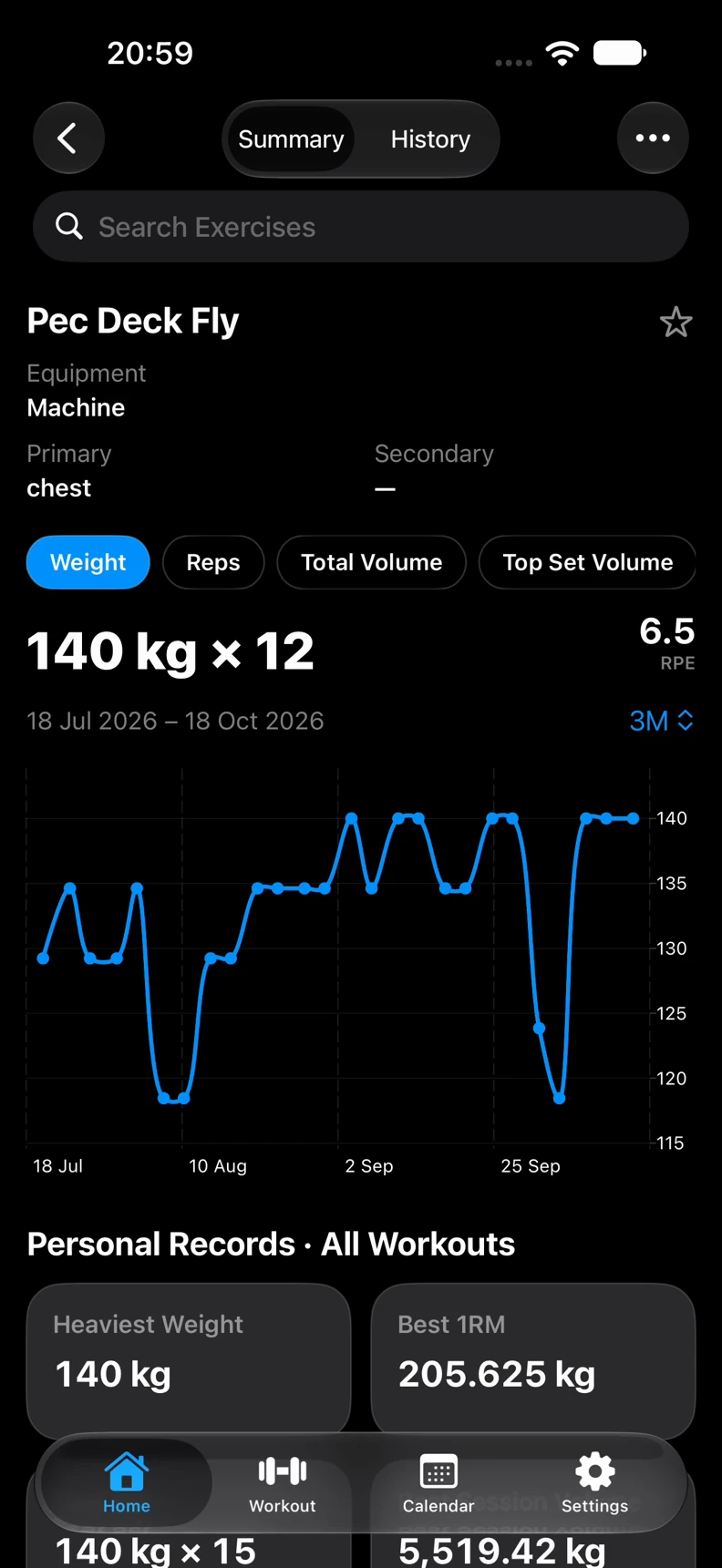
Weekly and monthly reports
Bring the week together.
Review recorded training totals, muscle distribution, and session breakdowns. Look beyond one good workout to see the wider pattern.
Explore training reports →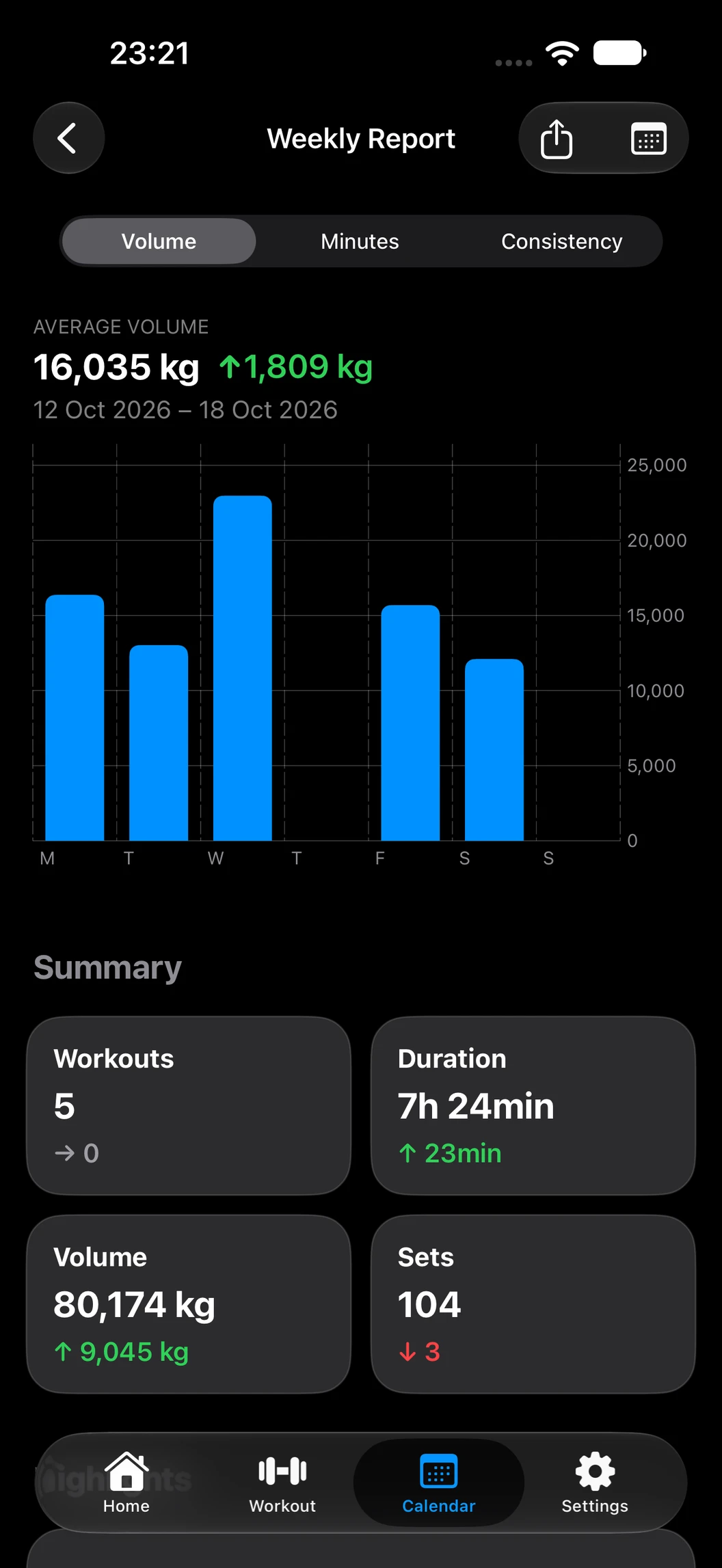
Sharing
Share the work you put in.
Save cards for your workouts, individual exercises, streaks, and reports. Choose a style and make the presentation your own.
Explore sharing →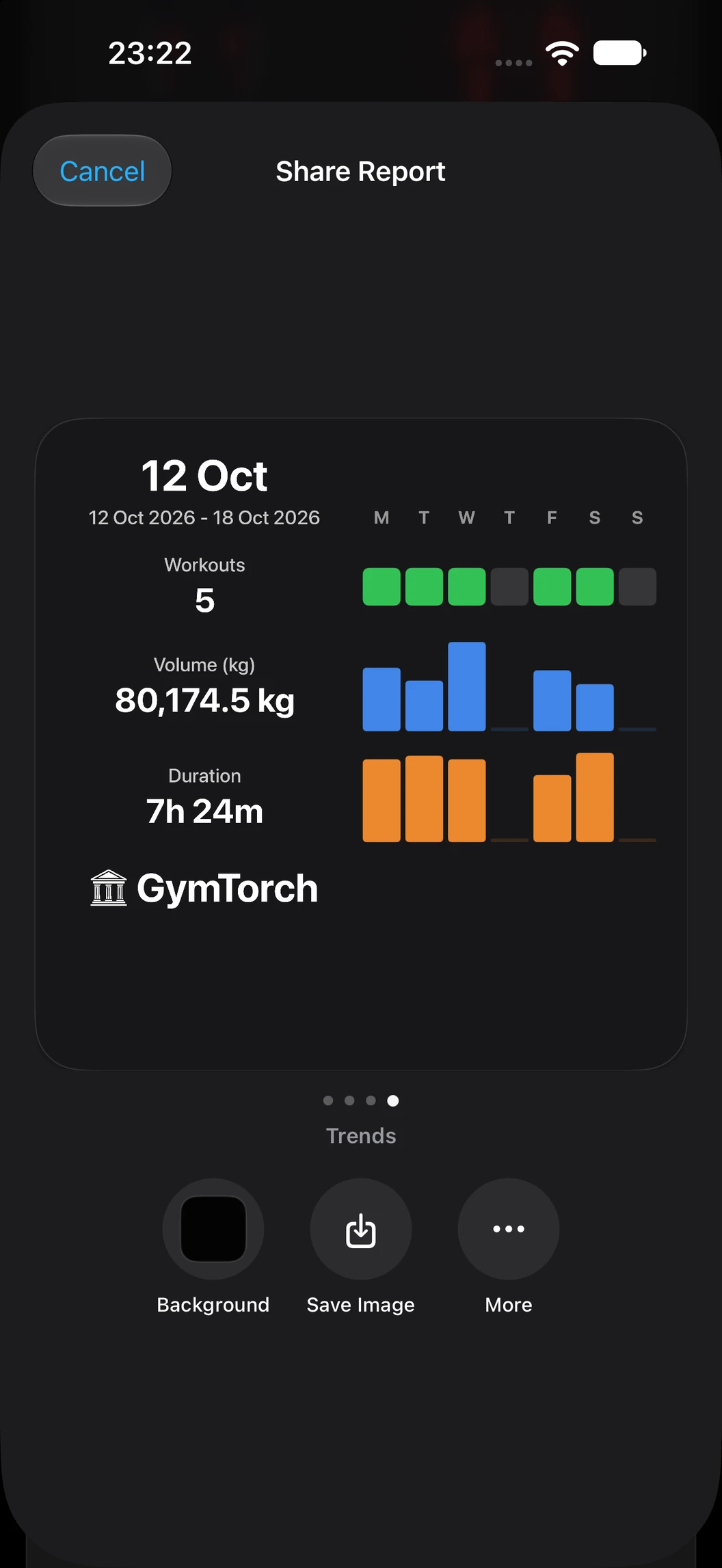
Home Screen widgets
Keep your progress in view.
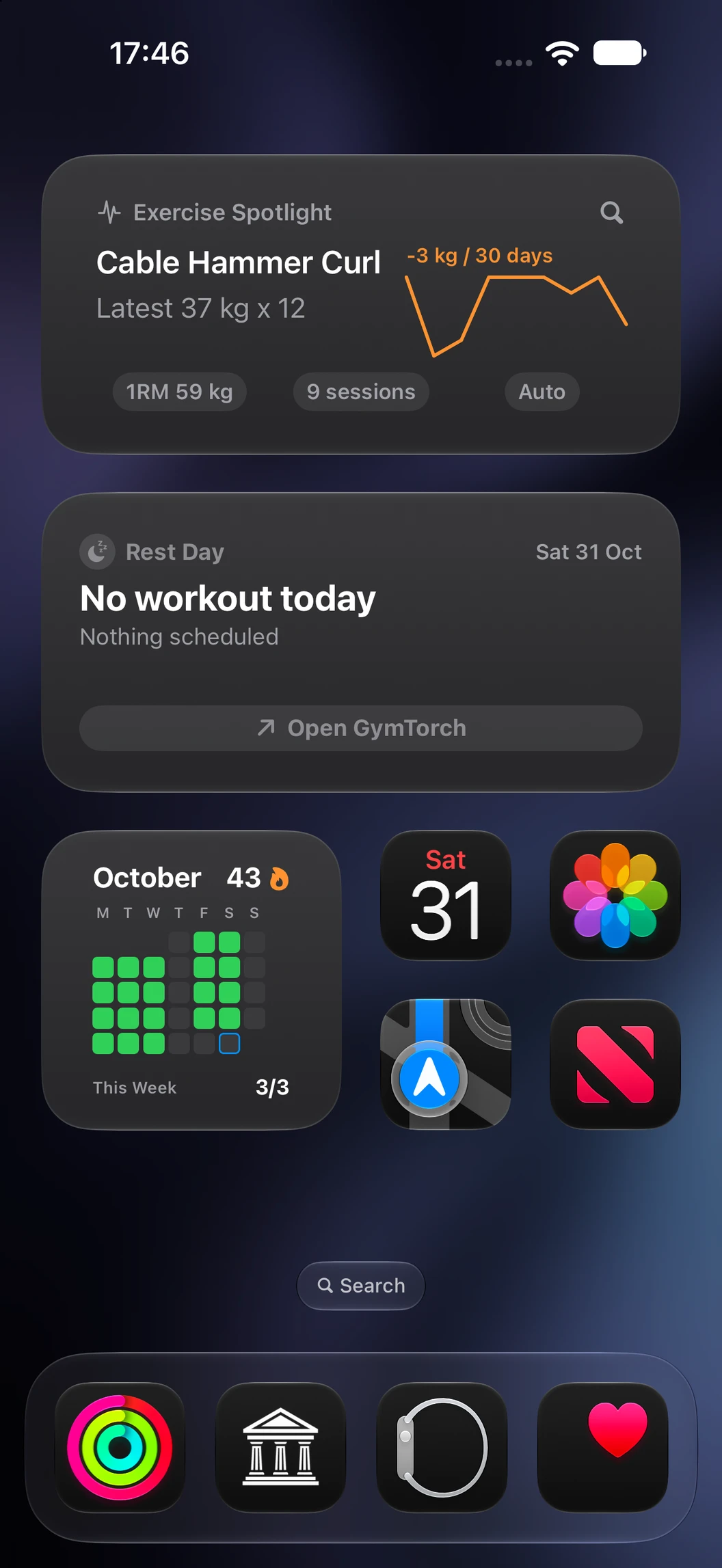
See today’s schedule, your weekly report, your streak, and exercise or workout spotlights from your Home Screen. Choose what stays in view.
Explore Home Screen widgets →